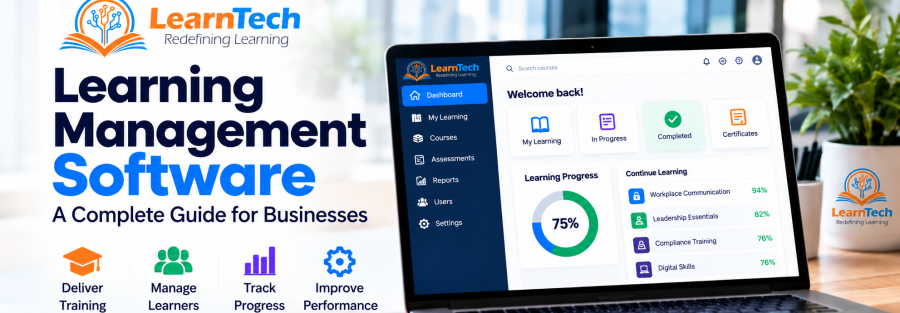
Learning management software has moved from being a simple course repository to becoming core infrastructure for organizations that need to deliver, manage, track, and improve learning at scale.
For a growing business, the question is no longer simply whether training can be placed online. The more important questions are: Can learning be assigned consistently? Can managers see progress? Can compliance be demonstrated? Can the platform integrate with existing systems? And can the learning environment scale as the organization grows?
This guide explains what learning management software is, where it adds value, which features matter most, and how businesses can evaluate an LMS without getting distracted by long feature lists.
What Is Learning Management Software?
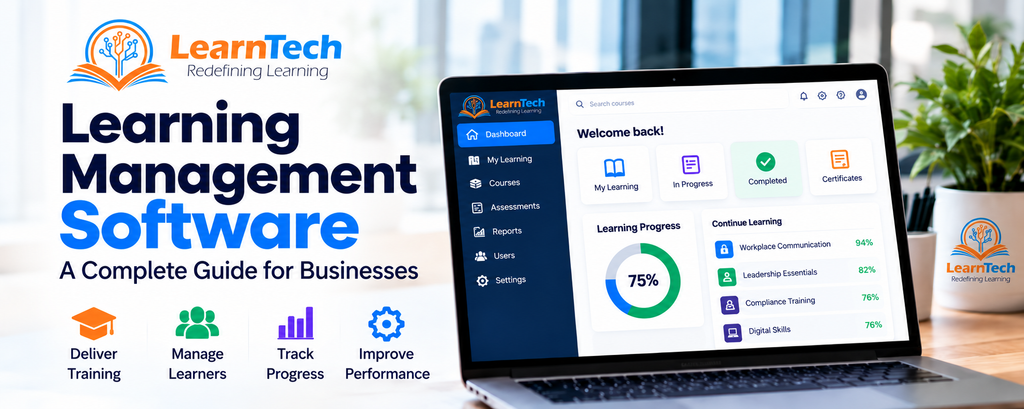
Learning management software — commonly called an LMS — is a digital platform used to organize, deliver, administer, and track learning and training activities from one central environment.
Depending on the organization, an LMS may support employee onboarding, compliance training, professional development, product knowledge, customer or partner education, certification, academic programs, or large-scale skills initiatives.
A well-designed LMS typically brings together learners, courses, assessments, learning records, reports, notifications, and administration. Instead of maintaining separate spreadsheets, email trails, attendance sheets, and document folders, learning teams can manage activity through a more structured system.
Why Businesses Use an LMS
1. Centralized Learning Administration
As organizations grow, training information often becomes fragmented across departments and locations. An LMS provides a single environment for managing users, courses, learning paths, assessments, completions, and records.
2. Consistent Training Delivery
An LMS helps organizations deliver the same approved learning content and standards to different teams, branches, or business units. This is particularly useful for onboarding, policy training, compliance, product updates, and recurring professional development.
3. Visibility into Learner Progress
Learning teams and managers can monitor participation, progress, assessment results, completions, and other learning indicators. This creates greater visibility than manual tracking and makes follow-up easier.
4. Scalable Learning
A classroom-only model becomes difficult to sustain when teams are distributed or learner numbers increase. Digital learning allows organizations to combine self-paced content, virtual sessions, assessments, blended learning, and structured learning paths within one environment.
5. Better Reporting and Accountability
Learning data becomes more valuable when it can answer operational questions: Who has completed mandatory learning? Which departments are behind? Where are assessment scores weak? Which programs require reinforcement? A capable LMS turns activity into information that can support decisions.
Core Features to Look for in Learning Management Software
- Course and content management — organize courses, modules, resources, and structured learning paths.
- Learner and role management — manage users by department, role, branch, cohort, campus, or other organizational structures.
- Assessments and certifications — deliver quizzes, tests, assignments, certification, and completion rules.
- Reporting and analytics — monitor progress, completions, performance, participation, and compliance.
- Automation and notifications — support enrollment messages, reminders, alerts, and recurring learning workflows.
- Integrations — connect with identity systems, HRMS/ERP/SIS platforms, APIs, communication tools, or other enterprise systems where required.
- Mobile and browser access — allow learners to access training across common devices and locations.
- Security and access control — manage permissions, authentication, session controls, privacy, and visibility.
- Scalability and deployment options — support growth in users, content, departments, and locations without redesigning the entire learning environment.
Learning Management Software vs. Manual Training Administration
| Area | Manual / Disconnected Approach | LMS-Based Approach |
| Learner records | Spreadsheets and separate files | Centralized learner records |
| Training delivery | Email, classroom, shared folders | Structured digital and blended delivery |
| Progress tracking | Manual follow-up | System-based tracking |
| Reporting | Time-consuming compilation | Dashboards and exportable reports |
| Compliance | Evidence collected manually | Completion and assessment records |
| Scale | More administration as users grow | Designed to manage larger learner populations |
How to Choose the Right LMS for Your Business
A useful LMS selection process starts with business requirements, not software demonstrations. Before comparing platforms, define what the organization needs the learning system to achieve.
- Define the learning use cases. Identify whether the priority is onboarding, compliance, skills development, product training, customer education, academic learning, certification, or a combination.
- Understand the learner structure. Consider the number of users, departments, branches, roles, external audiences, languages, and geographic locations.
- List essential integrations. Determine whether the LMS needs SSO, HRMS/ERP/SIS integration, APIs, WhatsApp or email notifications, virtual classroom tools, or external content libraries.
- Define reporting needs. Clarify which reports are required by L&D, HR, managers, compliance teams, senior leadership, or auditors.
- Evaluate implementation and support. Software capability matters, but so do configuration, migration, training, hosting, ongoing administration, technical support, and governance.
- Plan for growth. Select a platform that can support future users, additional programs, new locations, and evolving learning models.
When a Standard LMS Is Not Enough
Some organizations require more than a basic out-of-the-box platform. They may need complex hierarchies, multi-department governance, advanced reporting, SSO, ERP or API integration, custom workflows, WhatsApp notifications, branded interfaces, or dedicated hosting.
In these cases, the LMS should be treated as part of the organization’s digital learning infrastructure rather than as a standalone software purchase.
How LearnTech Global Approaches Learning Management
LearnTech Global works with organizations that need structured, scalable digital learning environments. Our EWS LMS is designed for enterprise and institutional use cases, including multi-department and multi-location learning, advanced reporting, user and role management, integrations, notifications, assessments, and flexible deployment options.
The wider LearnTech ecosystem can also connect the LMS with custom eLearning, microlearning, online assessments and proctoring, learning analytics, content libraries, hosting, and technical support — allowing organizations to build a learning environment around their actual operating model rather than managing disconnected tools.
Final Thoughts
Learning management software is most valuable when it solves a clear organizational problem. The strongest LMS is not necessarily the platform with the longest feature list; it is the one that fits your learners, governance model, reporting requirements, technology environment, and growth plans.
If your organization is evaluating an LMS, start with the learning strategy and operating requirements first. The technology decision becomes much clearer once those are defined.
Explore EWS LMS or request a consultation with LearnTech Global to discuss your learning environment, implementation requirements, and deployment options.